Users – Authorised users
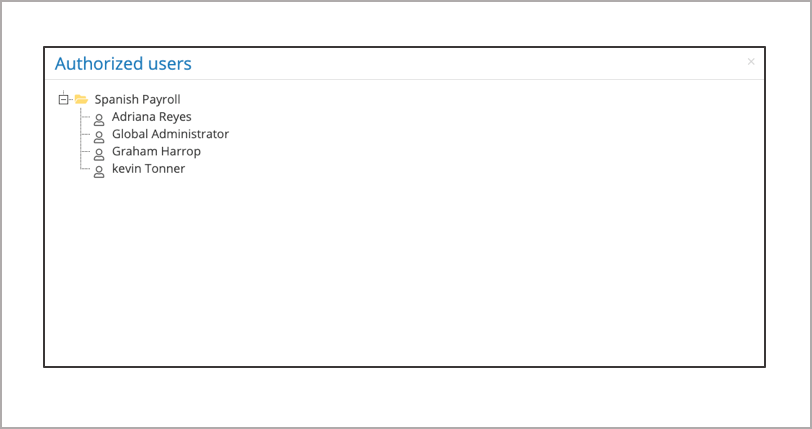
From the payroll screen, using the action button against the payroll select user → Authorised users. This provides a list of all the users who have access to the payroll.
User guidance from IPPEX Global – Thinking Global Payroll
From the payroll screen, using the action button against the payroll select user → Authorised users. This provides a list of all the users who have access to the payroll.