Payroll Task Calendar Amendments
The IPPEX system will create a task calendar using the task off sets from the pay date. Tasks may need to be adjusted to allow for public holidays and other service delivery reasons.
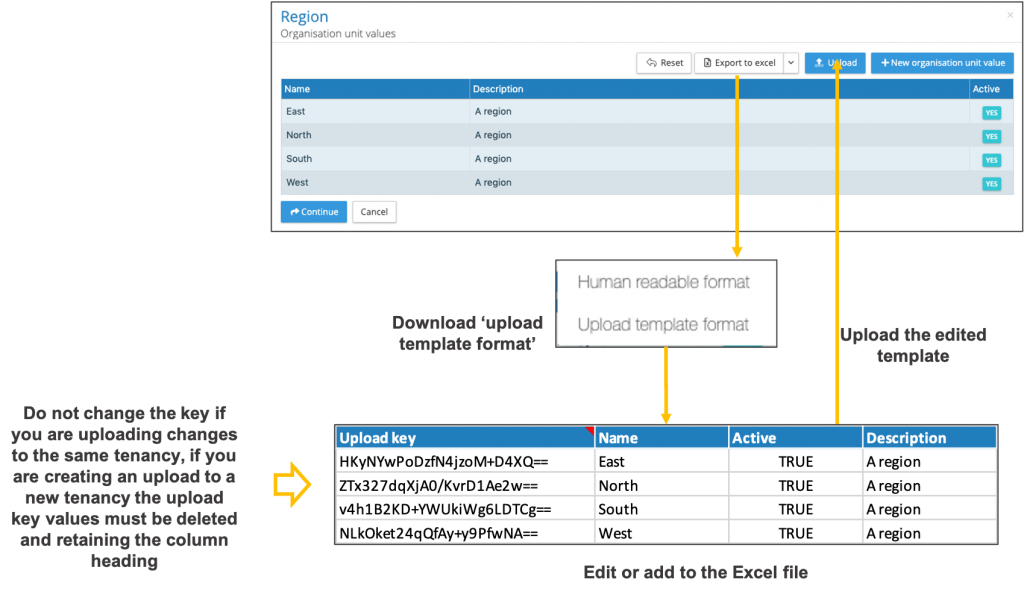
The process is as follows:
- From the payrolls menu select payroll configuration > task calendar > standard
- Expand the Export to Excel button
- Select upload template format, this will download the payroll calendar.
- The Excel download has a fixed number of columns and headings which are used by the system to upload the revised dates.
- The report will contain all of the active tasks with their due dates per pay period.
- Amend any of the dates in the calendar, if the date falls on a weekend the system will adjust the due date to the receding Friday on upload.
- Click on the upload button and select the completed template, the system will list those dates that have changed.
- The system will list all of the date changes, click on import task due dates to complete the operation.