Hide / Show New Documents
When uploading payslips and documents for a pay period before the pay date, the new payslips and documents can be hidden from the employees. This process does two things, firstly to check that all of the current payslips and documents have been uploaded correctly, secondly the employees can continue to access their previous payslips and documents.
Before uploading new payslips, click on Hide new documents and perform your PDF document upload. When you are ready to share the payslips and documents to the employees, click on Show new documents. This will ‘activate’ all of the payslips and documents uploaded to that payroll from the date and time recorded by they system when Hide new E-payslips was activated.
A user requires Pay Data Update, to upload payslips/documents, show/hide new E-payslips and view employee folders
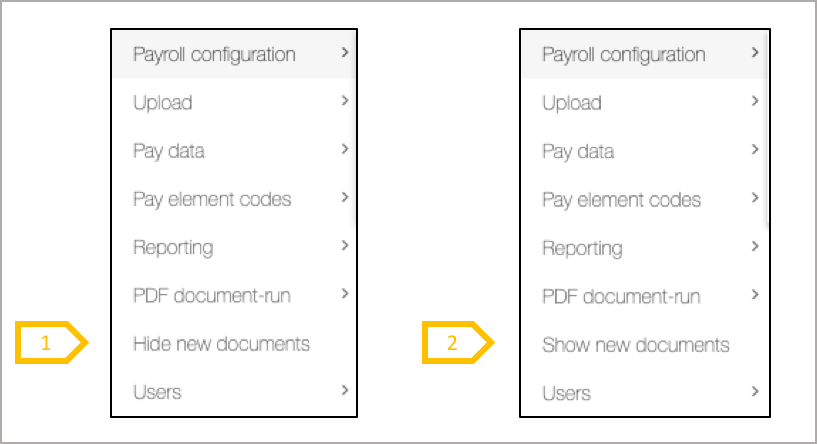
- From the payroll menu click on Hide new documents to prevent the employee from seeing the next batch of payslips or documents being uploaded to that payroll.
- Show new documents resets the payroll so all payslips documents uploaded to that payroll can be viewed by the employees.