User Account
A user can make a number of changes to their account depending on the user privileges given. From the menu bar click on you user account and a drop down menu is presented.
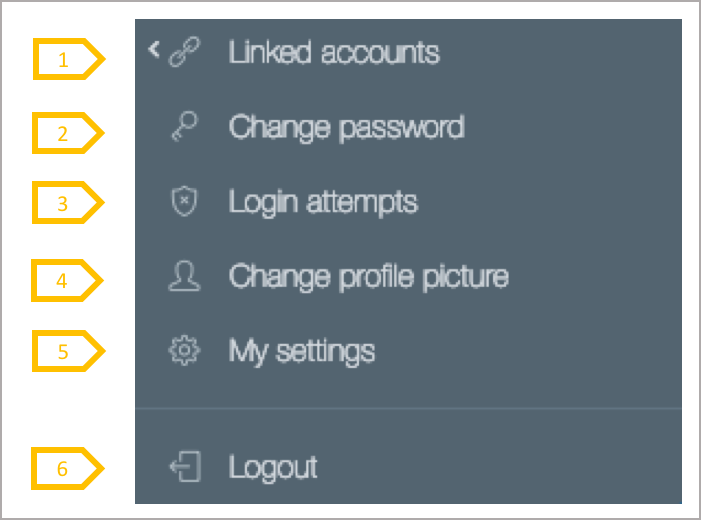
- If you are a user of multiple client accounts, the linked accounts function enables you to store the client IDs and passwords for the other accounts and to jump from one client environment to another without having to log out and in to the IPPEX Cloud service.
- Change password enables a user to change their password
- Login attempts is an audit trail of a users login attempts both successful and unsuccessful, recording IP address, browser type and time of login attempt
- Change profile picture enables a user to upload a photograph or avatar of themselves, this will be displayed on the system
- My settings enables a user to change their name on the user account, their user ID and time zone
- Logout will log you out of the system