IPPEX Cloud V 2.11.0 Release Notes

Introduction
Version 2.11.0 consists of new enhancements to the Issues functionality in IPPEX Cloud.
Issues
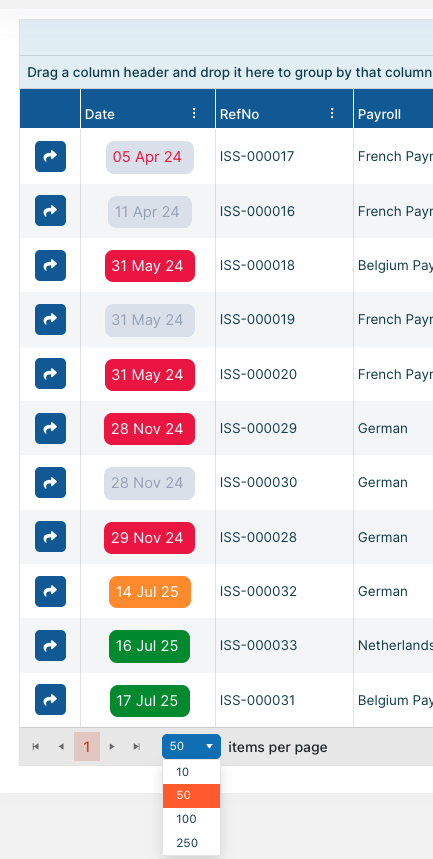
Issues can now be displayed on the Issues screen in blocks greater than 10 with options of 50, 100, and 250 items per page now available:
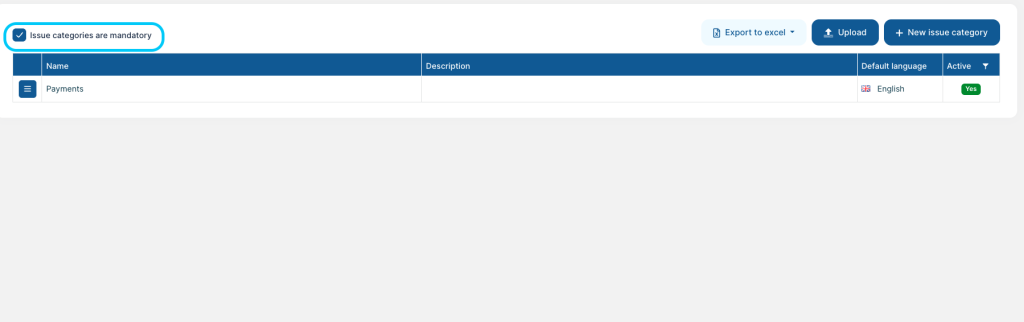
Issue Category, Criticality, and Source of Issue can all be made mandatory. This option is set in Administration > Lookups. Where each lookup has an option on the top left corner of the lookup screen:
Finally, Issue Age has now been adjusted to reflect the number of days the issue was open for. Meaning upon closure, the issue age will stop adding days to the total age.
Single Document Upload
Users now have the ability to have the ‘Single Document Uploader’ role permission. This will allow users to have the single document upload access removed, only permitting them to perform PDF Document Runs.
FTP – Manual upload to FTP folder
Files can now be uploaded by a Tenancy Administrator to an FTP folder.
This will allow reports to be shared with clients via the FTP service where the file does not originate from IC.
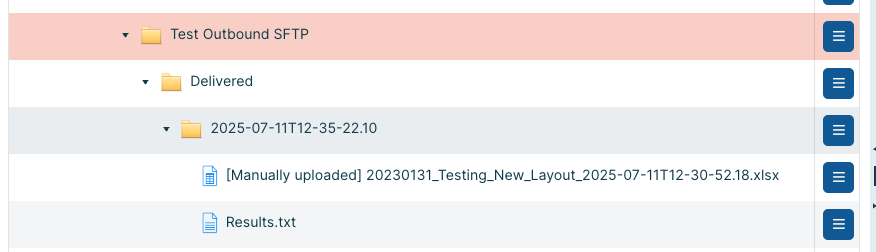
When a file is manually uploaded to an FTP folder and sent via FTP the delivered folder will show that the File was manually uploaded:
Allow report configuration edit to be restricted by user group
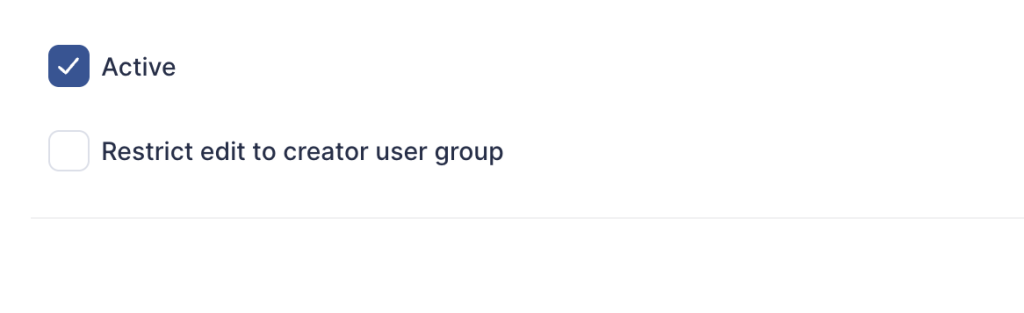
When creating a report configuration, users can now select a check box that will allow the creator to specify that the configuration can only be edited by users in the same user group. In the case of a tenancy admin, only other tenancy admins will be able to edit.
By default, configurations will still be editable by all authorised users.
The option ‘Restrict edit to creator user group’ is available on under the ‘Report details’ tab of a report configuration: